
Blog /

Spooky season has arrived! Apple cider and pumpkin spice are taking over our kitchens as we embrace the crisp Fall weather in Colorado. It’s also the perfect time to start thinking ahead; holiday meals and gatherings sneak up fast, and a little planning now goes a long way later.
New Podcast Episodes
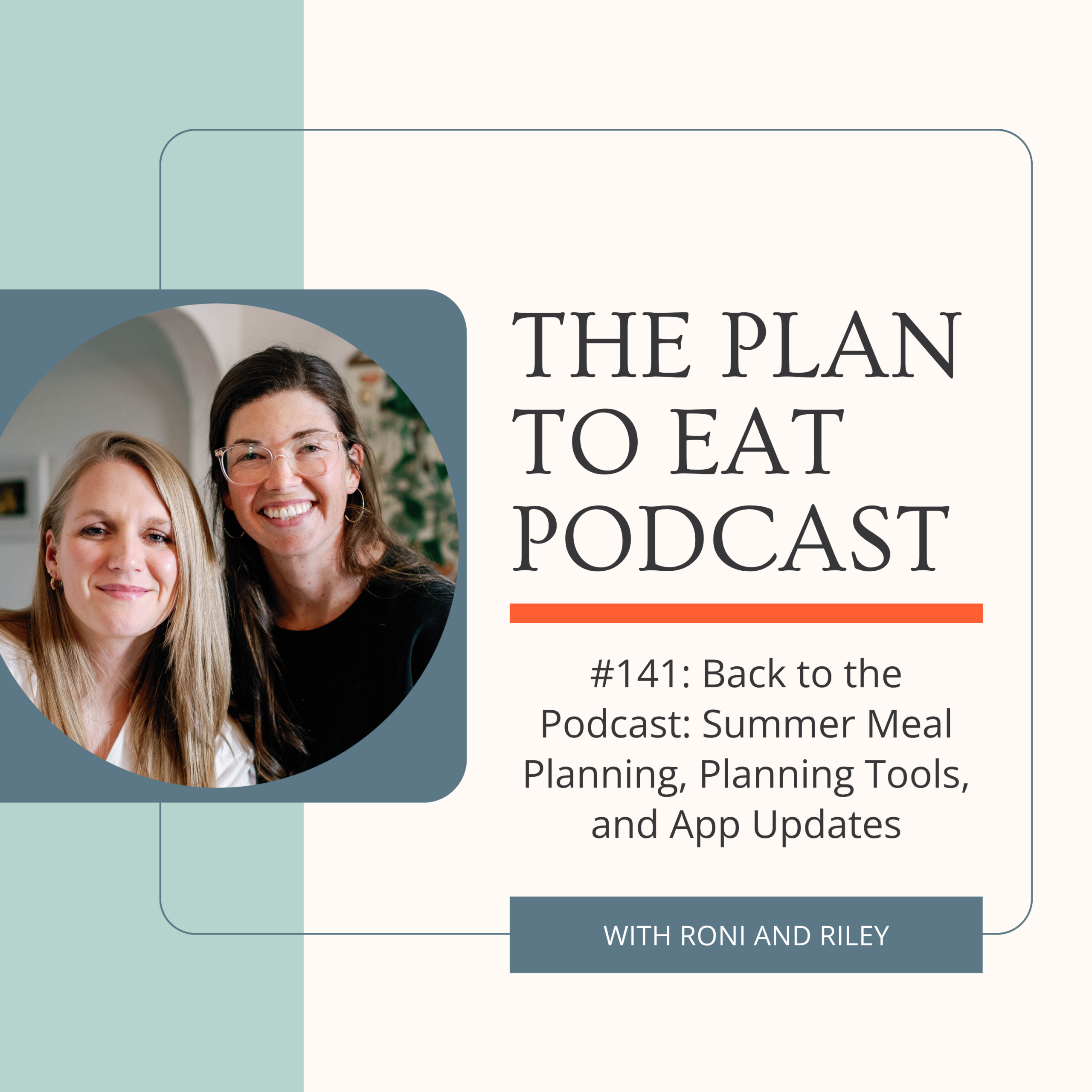
#141: Back to the Podcast: Summer Meal Planning, Planning Tools, and App Updates
In this episode, we recap our summer meal planning, what shifted for each of us, and how we’re resetting our approach heading into Fall. We also geek out a little over our favorite planning tools, from paper planners to sticky notes, before wrapping up with a rundown of everything new in the Plan to Eat V4 app, including new customization features, recipe photos on the planner, and some shopping list updates we think you’re going to love.
Support the Plan to Eat Podcast by sharing with your friends and subscribing on your favorite streaming app like Apple Podcasts, YouTube Podcasts, Spotify, and more.
Recent Blog Posts
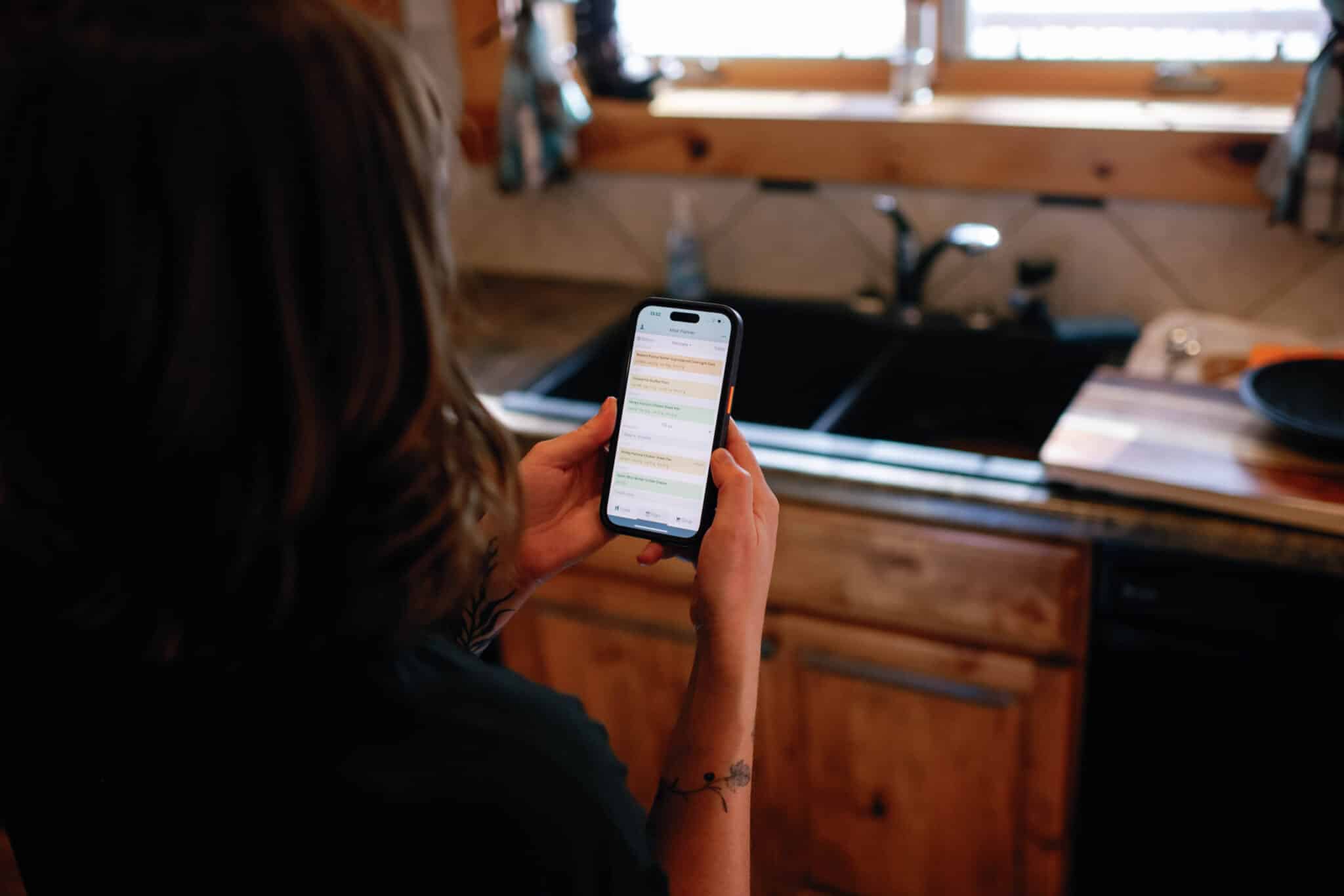
Say hello to the new Plan to Eat app!
The new version of the Plan to Eat app is officially live and ready for you to use!

Meals Hub Review: Pros and Cons
Meals Hub is the new recipe and shopping app from Albertsons Companies, built by the same team behind Mealime, which is being discontinued on October 21, 2026.

Meal Planning Tips for Real-Life Challenges
Here are three scenarios that can feel impossible to plan for, but creating a meal plan might just be the best course of action.
New on YouTube
Follow us on YouTube to get quick meal-planning tips and program tutorials!
Extras
New book alert!
Our friend Katie Kimball has her first print book coming out on November 10th, and we are all very excited for it! The Picky Eater Playbook shows parents that picky eating isn’t really about the food. Instead of sneaking in veggies, you’ll learn how to shape the dinnertime environment so your child moves from fear to curiosity and builds a healthy long-term relationship with eating. Pre-order it now!
September’s most popular recipe imports:
- Crispy Parmesan Chicken with Creamy Lemon Pasta from Pinch of Yum
- Italian Sausage Gnocchi Soup from The Everyday Cookbook
- Beef Broth Bowls from Chelsea’s Messy Apron
- Healthy Turkey Meatballs from Detoxinista
- Bacon Cheeseburger Meatballs from NYT Cooking
Program Updates
The development team is working hard to make updates, squash bugs, and add new features to both the desktop and mobile app versions of Plan to Eat!
App:
This month, we released app versions 4.0.6 – 4.0.8
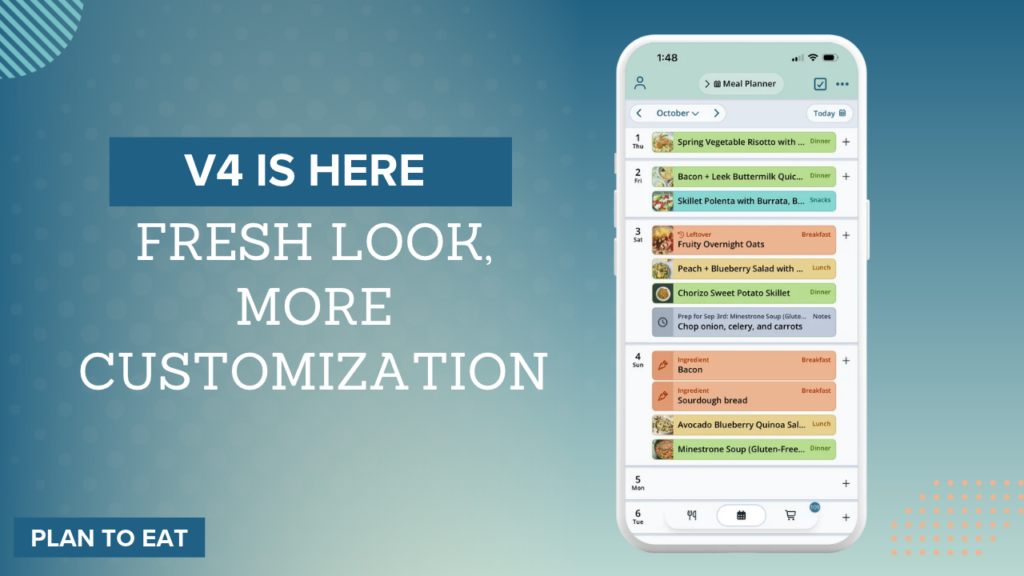
The new Version 4 is here, with a fresh look and feel across the app!
What’s new:
- Recipes are now organized into clear, editable sections, so it’s easier to scan and update details without losing your place
- A redesigned ingredient scaling tool with quick presets (0.5x, 1x, 2x) and custom amounts
- Drag and drop planning is smoother, with better drop zones across days and mealtimes
- Plan a full day at once, moving multiple recipes onto your mealtimes in one step
- Customize mealtime colors, from planner cards to calendar views
- Recipe photos now show up right on your planner, so you can see what’s coming up at a glance
- Choose how shopping list taps work: checkbox-only or whole-row
- Grocery delivery now includes an itemized review step
- App Settings: Compact or Spacious display, high contrast mode, and adjustable haptic feedback
- And more! Switch to V4 from your Account menu.
Desktop:
- Recipes imported from Mealime now include quantities for spices, oil, and other pantry ingredients previously listed only in the steps. Each direction ends with the ingredients used in that step.
- Recipes saved from Instagram, Facebook, TikTok, and YouTube videos that list only the ingredients in the caption now pick up the steps from the video itself or from the creator’s linked recipe page.
- Pinterest pins that are just a picture of a recipe card now import the recipe from the picture.
- When a post is private, age-restricted, or has been taken down, the import page now says why.
- A referral or promotional link now carries its offer with you: you’ll see who referred you and what you get, and the longer trial and discount apply however you sign up.
Highlighted Reviews
“Great app for saving recipes and being able to plan menus for the week. I LOVE that it also creates a shopping list that I can edit and then order grocery delivery.”
“The more I use this app the more amazed I am at its flexibility, insightful options and usefulness.”